
Dictate where you already work
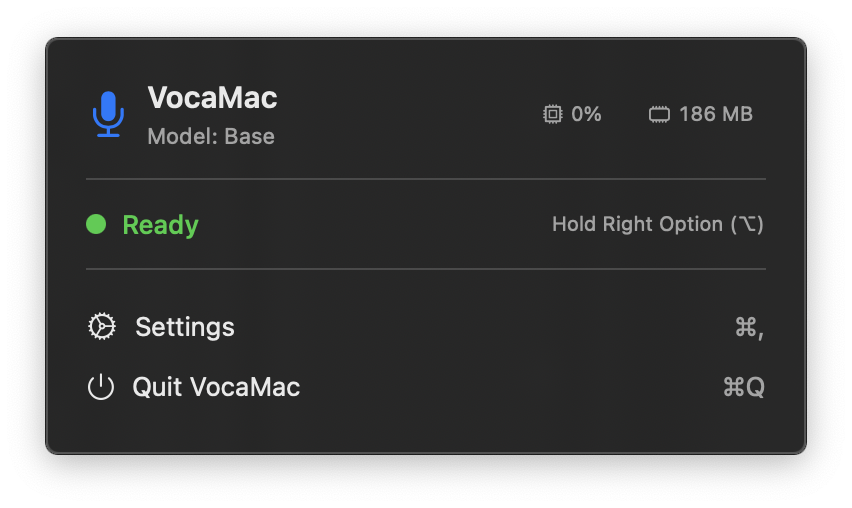
VocaMac is designed for browsers, editors, terminals, chat apps, and documents without requiring a separate transcription window. Finish speaking, and the result is inserted at the active cursor through macOS accessibility and keyboard events.
The platform boundary matters
The insertion path works where the foreground app exposes a usable text field and accepts the relevant accessibility events. Secure fields, unusual controls, permission failures, and app-specific input rules can prevent insertion or require a manual paste. VocaMac cannot override those platform decisions.
Grant Accessibility and Input Monitoring access in macOS System Settings. VocaMac’s setup and Settings views explain what each permission enables.
Clipboard-safe output
VocaMac preserves existing clipboard contents around its paste-based insertion flow. This keeps a copied item available while the transcript is placed into the active field. The result is still local text insertion; it is not a cloud handoff or a per-app integration.
Keep control of the output
VocaMac also lets you configure output details such as capitalization, trailing spaces, and punctuation behavior. Review the inserted text when an app’s field or a specialized editor applies its own formatting rules.
Ready to try System-wide text insertion?
Install VocaMac