
Ready in the menu bar
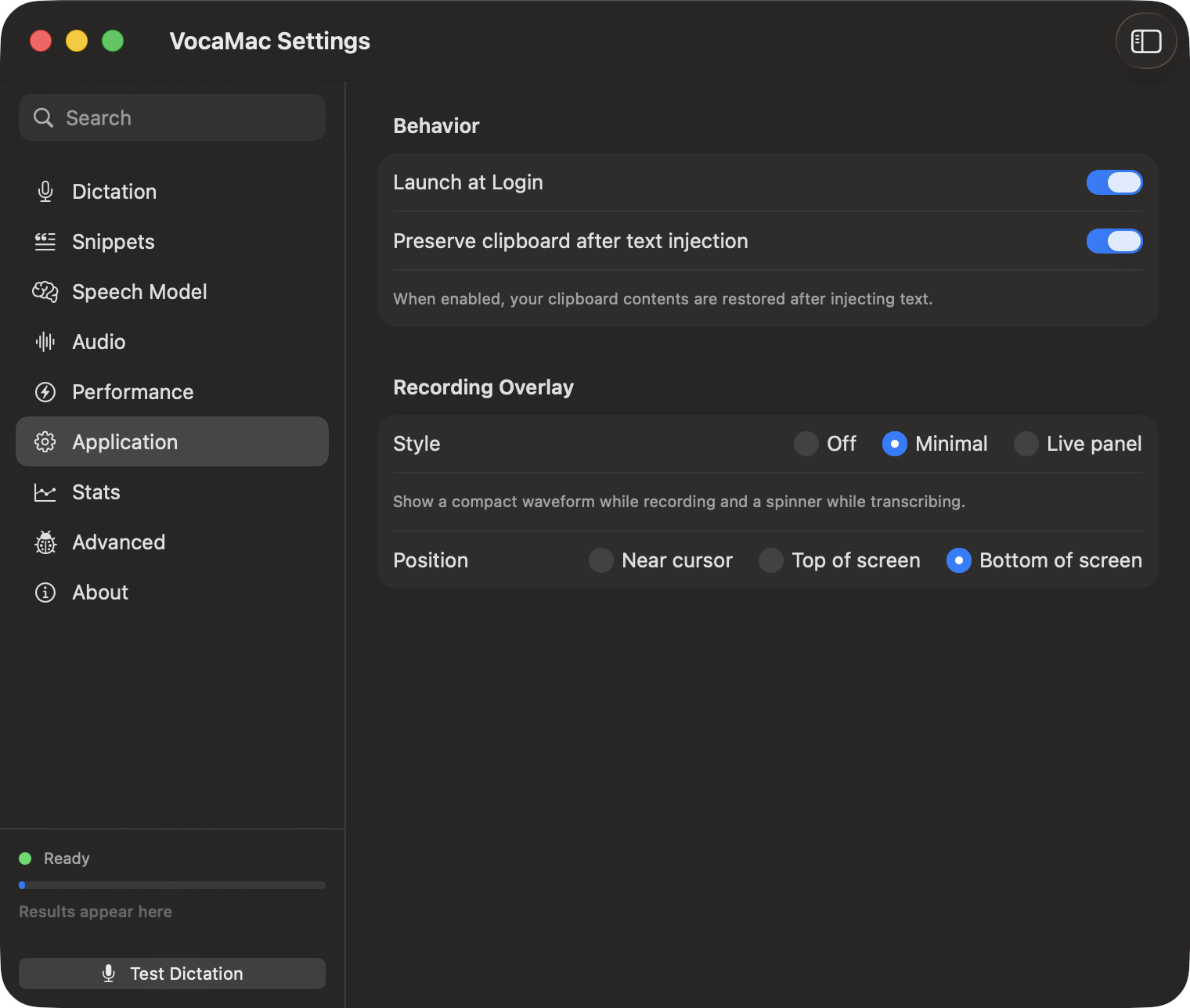
Enable Launch at Login in VocaMac’s Application settings and macOS starts the app when you sign in. VocaMac uses Apple’s SMAppService login-item API, and the setting is also visible in System Settings → General → Login Items.
This controls when the app starts; it does not force a speech model to stay loaded. Model loading and model keep-alive behavior remain separate settings so you can choose the resource trade-off that fits your Mac.
Local and quiet
The menu-bar app can be ready without opening a large window. Audio is captured only during a recording session, and transcription uses the selected model (local by default). Custom Endpoint uploads recordings when you choose it. Model downloads, update checks, and release downloads are separate network actions; enabling launch at login does not turn on website analytics or telemetry.
You can disable the login item from VocaMac or from macOS System Settings. Release builds are Developer ID signed; ad-hoc source builds may require permissions again after rebuilding.
Ready to try Launch at login?
Install VocaMac