Speak in your language
VocaMac’s stable Whisper path supports automatic detection plus 43 language hints in Settings: Arabic, Bengali, Bulgarian, Catalan, Chinese, Croatian, Czech, Danish, Dutch, English, Estonian, Finnish, French, German, Greek, Hebrew, Hindi, Hungarian, Indonesian, Italian, Japanese, Korean, Latvian, Lithuanian, Macedonian, Malay, Maltese, Norwegian, Persian, Polish, Portuguese, Romanian, Russian, Serbian, Slovak, Slovenian, Spanish, Swedish, Tamil, Thai, Turkish, Ukrainian, and Vietnamese.
The underlying Whisper model was trained on more languages than VocaMac exposes as manual settings. The website describes the picker users can actually use, not a larger training-data figure.
Automatic or chosen
Automatic detection is useful when you want VocaMac to infer the language from a full phrase. A manual hint can help when an utterance is short, an accent is unfamiliar, or you are dictating a predictable language for a long session.
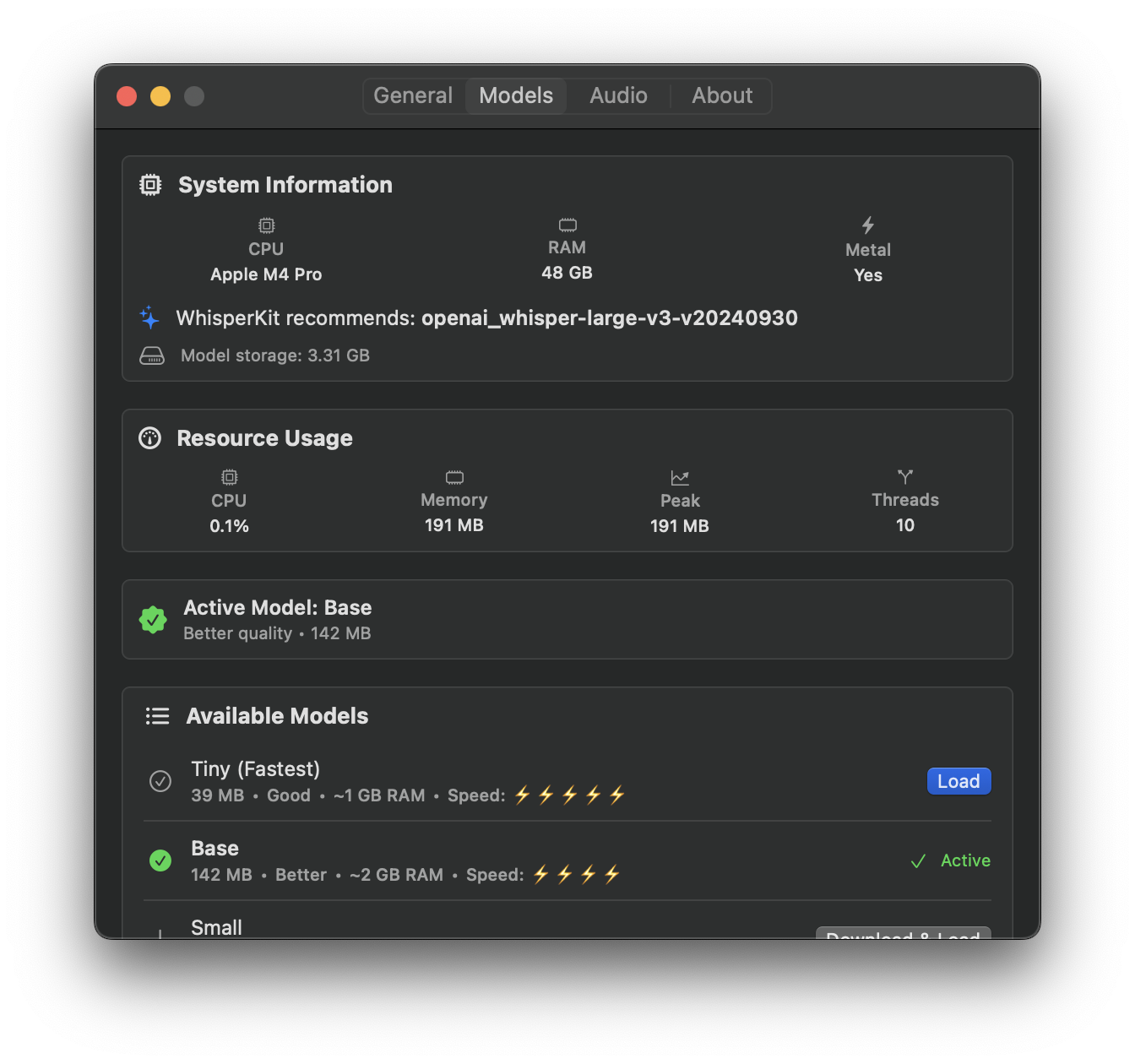
Open Settings → Speech Model to change the language hint. The selected language is saved locally and can be changed without an account or a cloud service.
Model size still matters
Every Whisper model has different speed, memory, and accuracy trade-offs. Smaller models are useful for quick notes; larger models generally give the recognizer more room for difficult audio and non-English speech. The model table on the home page reflects the stable release’s actual catalog.
Local processing
Language choice does not change the processing boundary: the selected Whisper model runs on your Mac. The model may need a one-time download, but VocaMac does not send dictation audio to a Voca cloud endpoint.
Accuracy depends on the model, microphone, accent, background noise, and length of the utterance. Treat the transcript as editable text, especially for names, specialist vocabulary, and short phrases.
Ready to try Language support?
Install VocaMac