Teach VocaMac Your Words
Speech models handle everyday language well but stumble on the words that matter most to you: coworkers’ names, product names, acronyms, and technical jargon. “kubectl” becomes “cube control.” “Grafana” becomes “graph on a.” Every transcription ends with a manual fix.
Custom Vocabulary targets exactly the words you use. Give VocaMac a short list of the terms it keeps getting wrong, and it hints them to the model so they come out spelled correctly from the start.
How It Works
Open Settings → Speech Model and add terms under Custom Vocabulary, one per line or comma-separated:
kubectl, PostgreSQL, nginx, Grafana
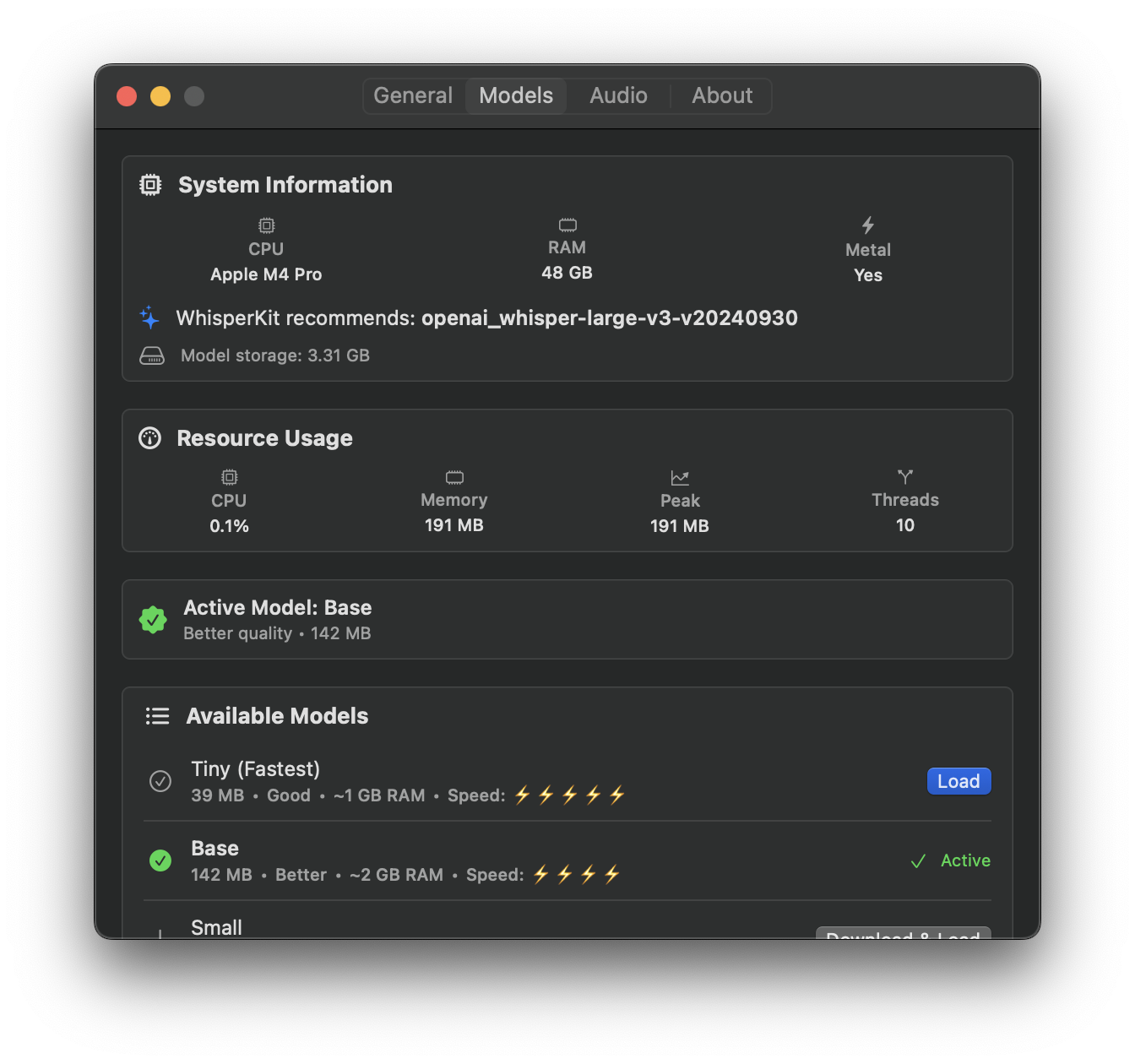
VocaMac passes these to the speech model as a hint, biasing it toward your spelling: Whisper takes them as a prompt, Apple Speech as contextual strings, and Parakeet through an optional vocabulary boost model. Every model, including the specialized ones, also gets a spelling fix after transcription. Keep the list focused and put your most-mistranscribed terms near the top; WhisperKit applies its own prompt-token budget. There is no training step. The updated list is used on the next transcription attempt, although it remains a hint rather than a promise.
For best results, enter terms in the language you dictate and set a matching transcription language above. In Auto-detect, your vocabulary can even nudge VocaMac toward the right language.
Private by Design
Your word list never leaves your Mac. Vocabulary is applied on-device, and nothing is uploaded to build or store a dictionary. Names, projects, and jargon stay yours. If you select Custom Endpoint, recordings are uploaded for transcription; the vocabulary list is not.
Ready to try Custom Vocabulary?
Install VocaMac