← Back to Home
Screenshots
See VocaMac in action. From the menu bar to settings to the recording indicator.
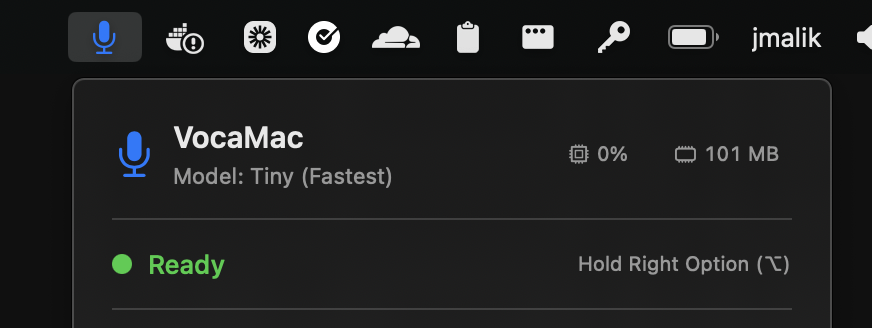
📍 Menu Bar
VocaMac lives in your menu bar. Always accessible, never in the way.
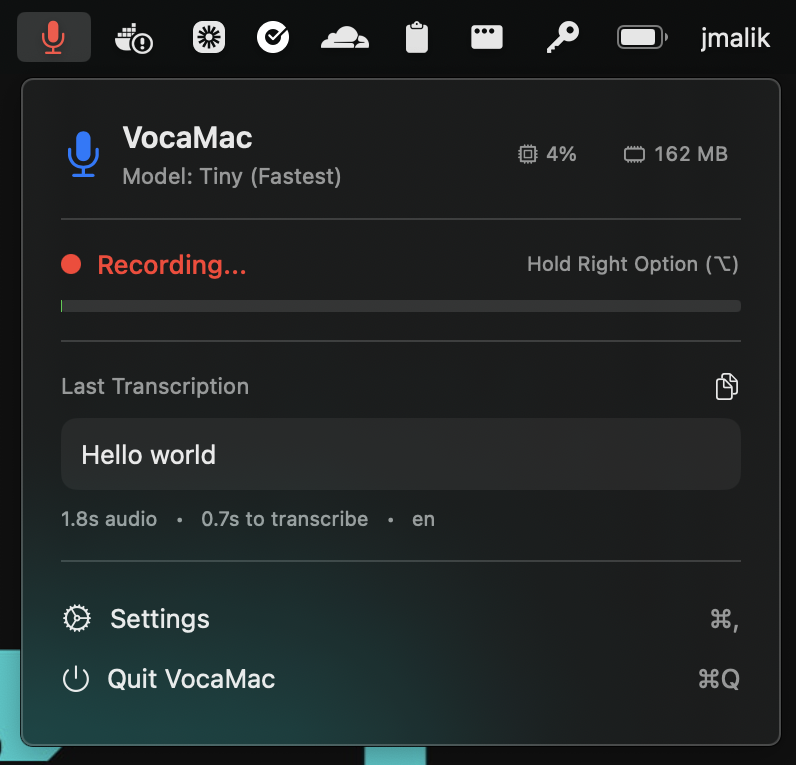
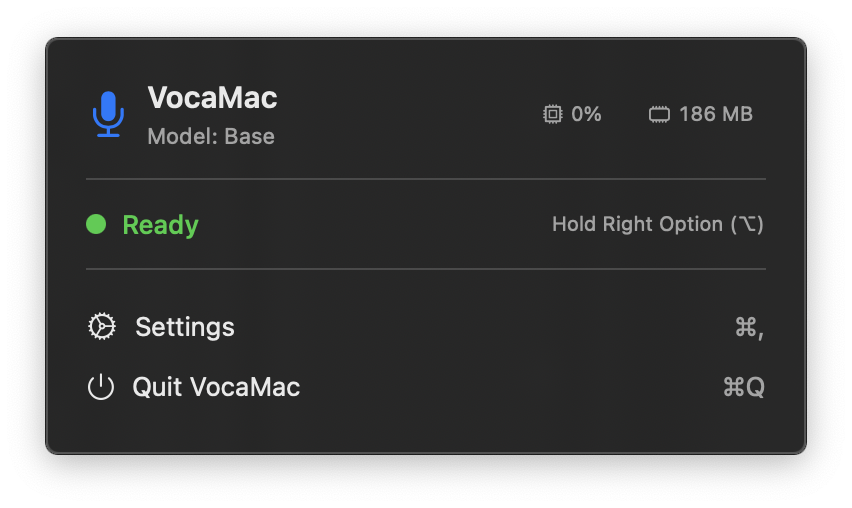
🎙️ Popover Panel
Click the menu bar icon to see status, last transcription, and quick actions.
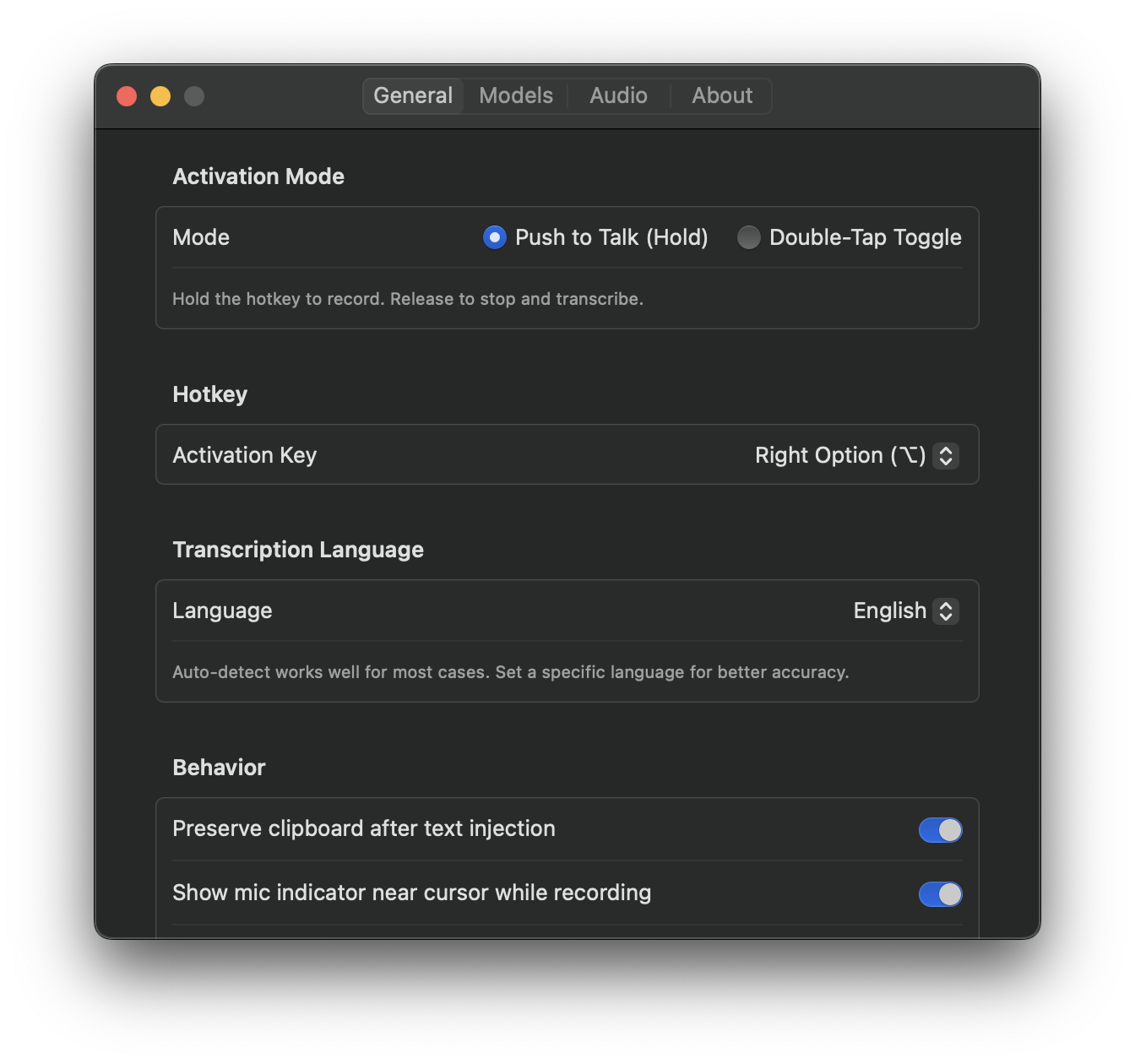
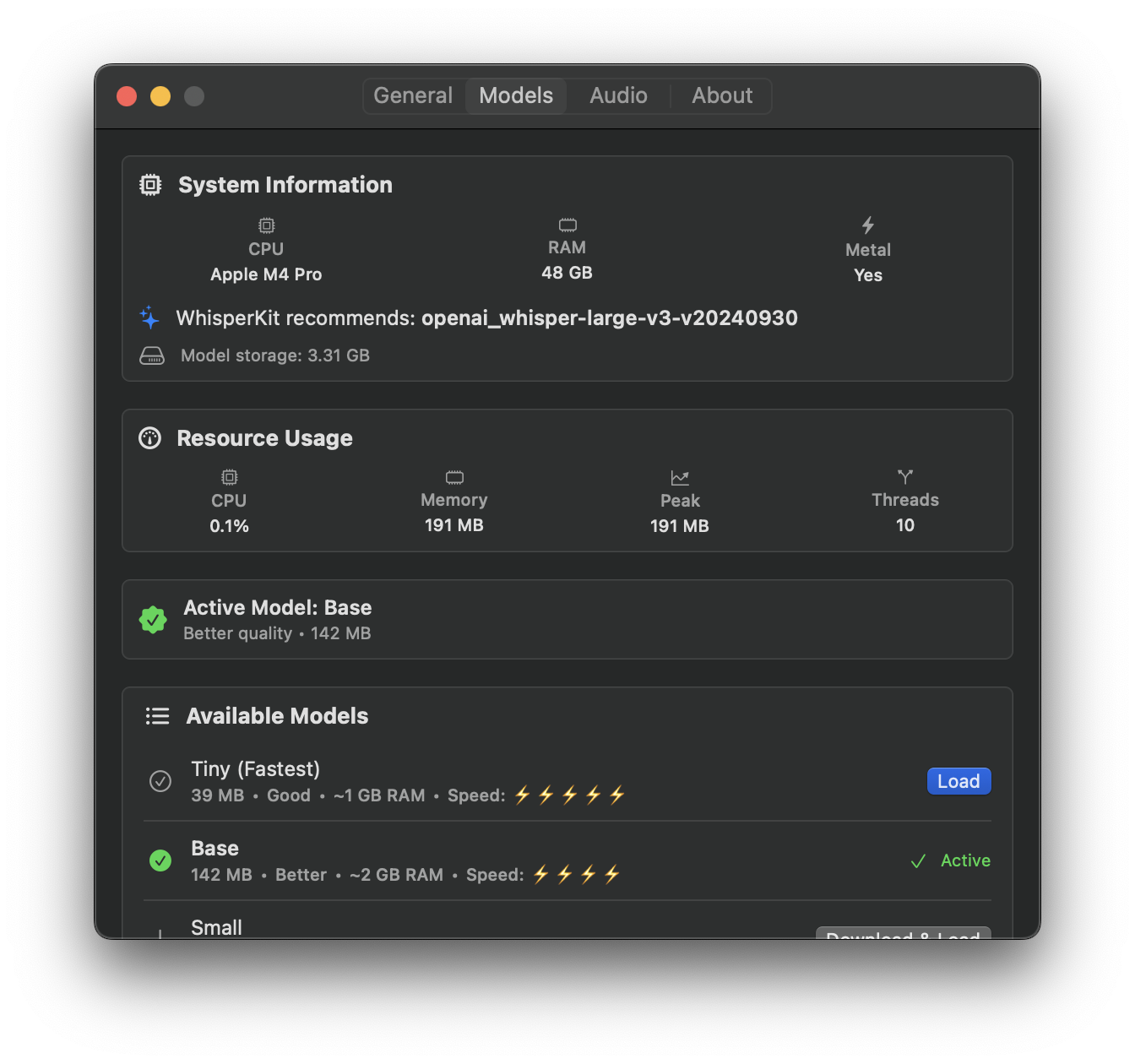
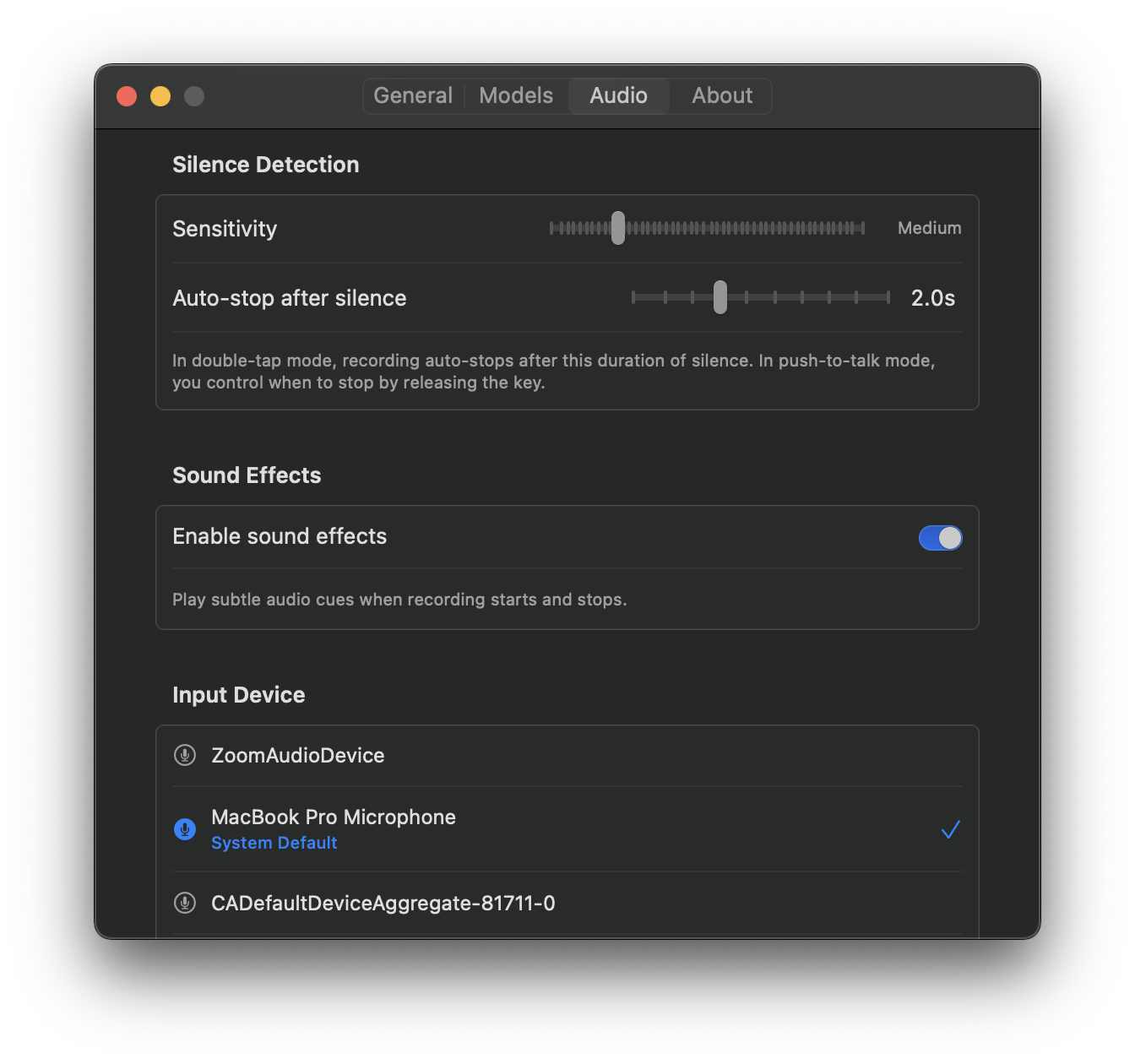
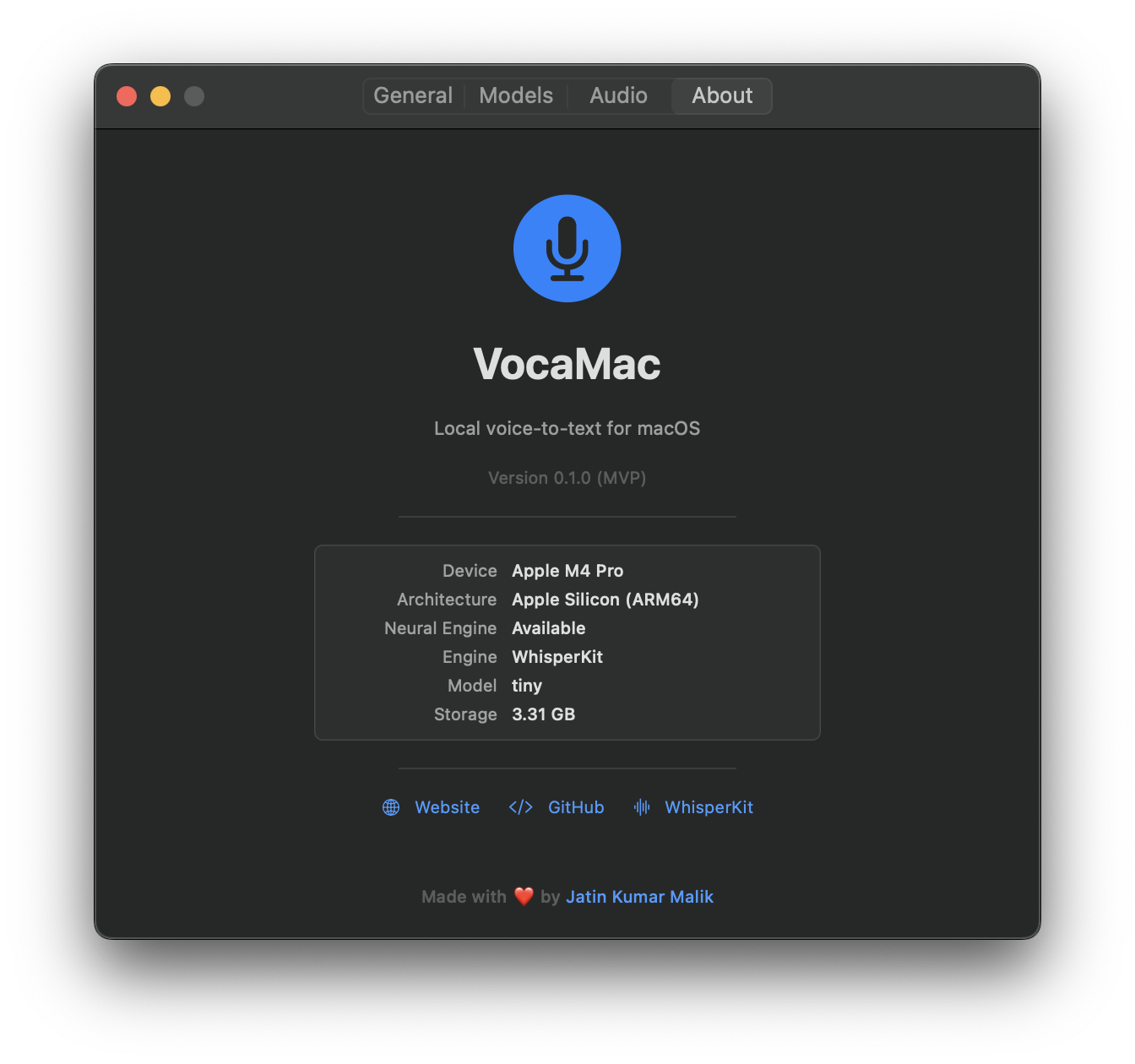
⚙️ Settings
Fine-tune everything: hotkeys, models, audio, and more across dedicated tabs.
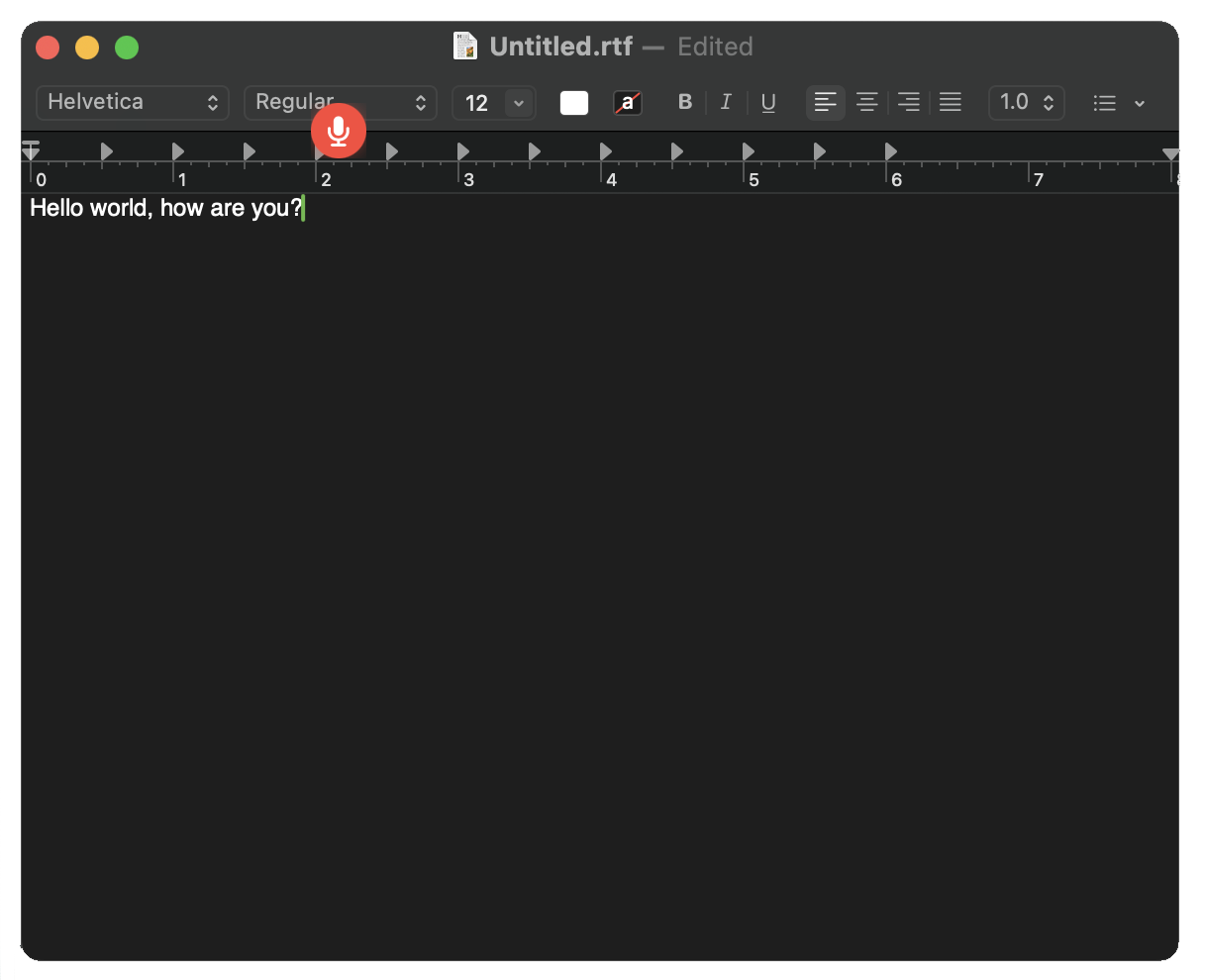
🔴 Cursor Indicator
A floating mic indicator appears near your text cursor while recording, so you always know VocaMac is listening.